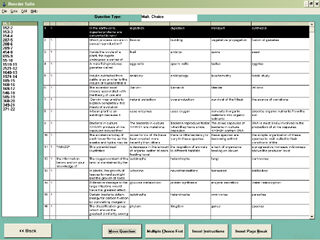
The Wizard Test Maker
Reorder Suite
The Reorder Suite is a powerful tool for fine tuning the location of questions in your test. With a few clicks of the mouse or by clicking on a question and dragging it, you can put questions in any order you want. The Reorder Suite can be accessed from the Select Question Suite by one of two methods.
By right clicking your mouse on top of the question and selecting Go To Reorder Suite.
By clicking Viewing and Question Options on the menu bar and then selecting Go To Reorder Suite.